
Scattered information and manual tasks delay appointments and create duplicate work in orthopedic clinics. Integrating scheduling, medical records, diagnostic tests, and finances helps teams organize daily operations and improve productivity.
In this article, you will learn how disconnected processes create extra work and which features orthopedic clinic software should include. Discover how connecting scheduling, medical records, diagnostic tests, finances, and insurance billing can make operations more organized, productive, and predictable.
Why do disconnected processes create duplicate work in orthopedic clinics?
Duplicate work occurs when the same information must be entered, checked, or located in different places. In orthopedics, this may involve patient registration details, imaging exams, progress notes, and billing information.
Consider a postoperative follow-up appointment. The front desk confirms the appointment in one tool, the physician reviews the patient’s history in another, and the finance team checks payment in a spreadsheet. Each handoff requires another check and increases the possibility of discrepancies.
The consequences affect several areas:
- Patient care: delays in locating records and documents.
- Administration: repeated data entry and verification.
- Finances: difficulty matching services provided with payments received.
- Management: limited visibility into bottlenecks and appointment capacity.
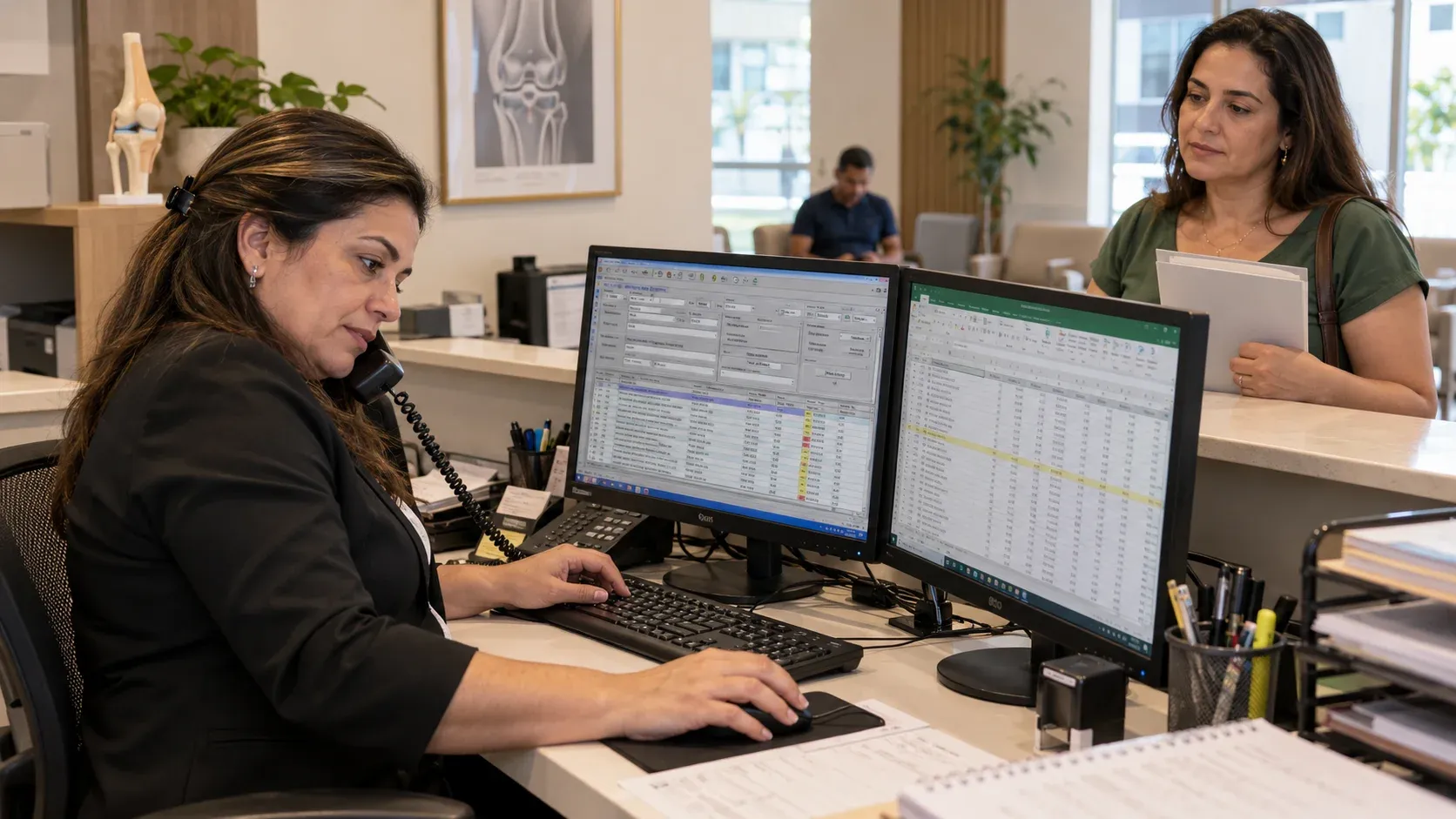
Integrated clinic management software connects these steps. When departments work with consistent information, the clinic can better organize current appointments and plan for expansion.
What is the best software for an orthopedic clinic?
The best software for orthopedic practices supports the clinic’s actual workflows and connects clinical, administrative, and financial information. An extensive feature list offers little value if staff still need to copy data between tools.
When choosing orthopedic clinic software, evaluate these requirements:
- Scheduling for multiple providers, with appointment confirmations and follow-up management.
- Customizable medical records with medical history forms and specialty-specific protocols.
- Organized storage for diagnostic tests, reports, and documents.
- AI transcription with provider review.
- Financial management connected to services provided.
- Dashboards, charts, performance indicators, and alerts for outstanding tasks.
- Access permissions and data protection features.
How should scheduling organize consultations, follow-ups, and procedures in an orthopedic clinic?
Scheduling should organize provider availability and distinguish regular appointments from add-on appointments. In orthopedic clinics, these visits may require different durations, rooms, and preparation.
Appropriate configuration helps reserve the time required for each service and reduce add-on appointments that exceed the team’s capacity. For clinics with multiple locations, it is also important to identify where each provider sees patients.
Features worth evaluating include:
- Visibility into different orthopedic specialists’ schedules.
- Configurable duration for each appointment type.
- Identification of initial consultations, follow-ups, and procedures.
- Automated confirmations and reminders.
- Status tracking for arrivals, visits in progress, cancellations, and no-shows.
These data also support management. By monitoring no-shows, cancellations, and schedule utilization by provider, administrators can identify underused time slots and adjust availability. For patients, an organized schedule reduces scheduling mix-ups and makes it easier to follow the next steps in their care.
What should an electronic health record include for orthopedic care?
An electronic health record should bring together the patient’s history and support structured documentation tailored to orthopedic assessments. Generic fields that cannot be customized may require repetitive typing and make comparisons between visits more difficult.
Medical history templates should support details such as the affected area, laterality, symptom onset, functional limitations, medical history, and previous treatments. The content should be adaptable to the types of care the clinic provides.
Other features to evaluate include:
- Templates for medical history and physical examination forms.
- Provider-selected protocols and assessment scales.
- Calculated fields and progress charts.
- A history of treatment plans, prescriptions, and documents.
- Automatic population of existing patient registration details.
- Electronic prescribing and diagnostic test ordering.
How can AI transcription streamline consultation documentation?
AI transcription converts consultation audio into text and can organize information to support clinical documentation. Its operational benefit is reducing typing and the effort required to reconstruct the visit after the patient leaves.
Within Ninsaúde Clinic, Ninsaúde Safe records and transcribes consultations, organizing the content into sections according to instructions configured by the provider. The generated content must be reviewed before it becomes part of the finalized clinical record.
Learn more in our article, “AI for medical consultation transcription: how does it work?”
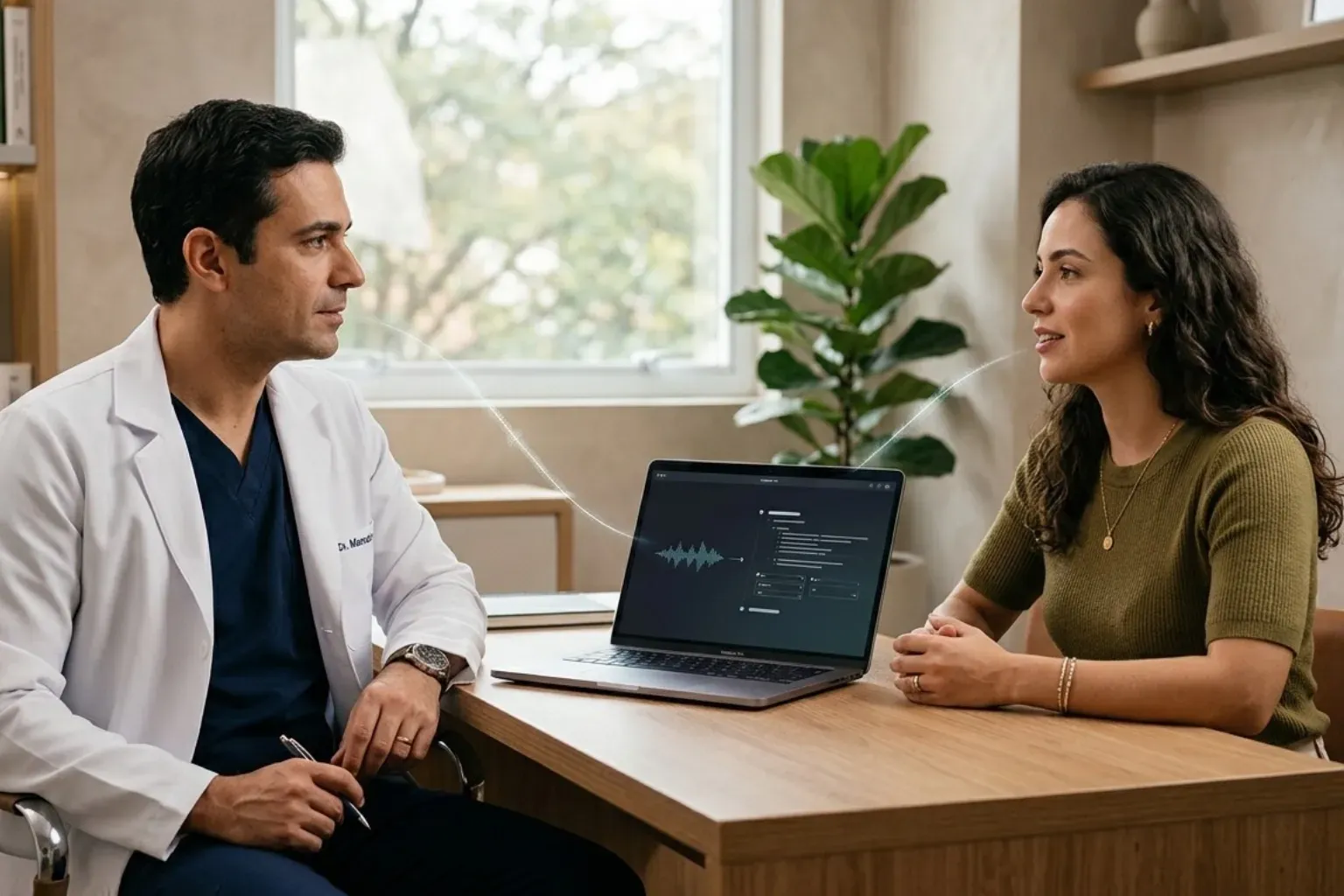
An AI transcription workflow should include:
- Informing the patient that the consultation will be recorded.
- Capturing audio according to the clinic’s established procedures.
- Processing the transcription and organizing the content.
- Checking terminology, laterality, information, and potential omissions.
- Validating the record before finalizing it.
AI supports documentation, but the provider remains responsible for the record’s accuracy and appropriateness.
Why should financial management be integrated with patient visits?
Orthopedic clinic software should allow teams to track accounts payable and receivable, financial categories, and provider payout rules within one integrated platform. For clinics with multiple locations, separating results makes it easier to understand each location’s contribution.
The most useful indicators depend on management priorities, but may include:
- Expected payments and actual receipts.
- Overdue charges and outstanding payments.
- Revenue by service, provider, or location.
- Expenses by category and cost center.
- Provider commissions and payouts, including amounts calculated and paid.
How can Ninsaúde Clinic support orthopedic clinic management?
Ninsaúde Clinic brings together scheduling, electronic health records and financial management, connecting patient care with administrative activities. For orthopedics, it offers customizable forms and protocol templates, including Lysholm, Carter-Rowe, and AOFAS.
Find more information in our article, “How Ninsaúde Clinic supports orthopedic specialists during patient visits.”
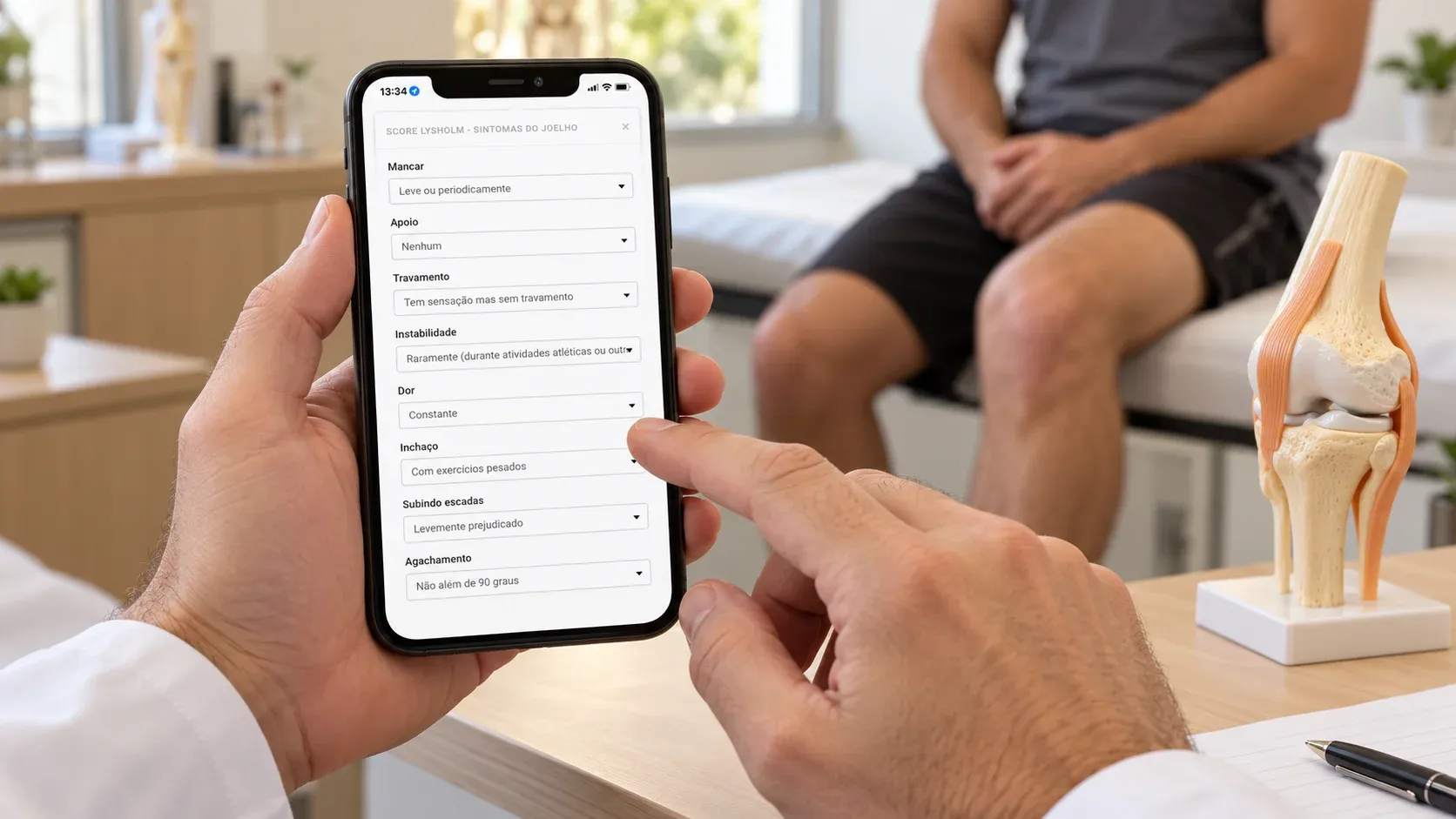
These features help structure assessments and track information across appointments. The platform also provides charts to visualize changes in recorded data over time. In addition, Ninsaúde Safe, a complementary solution, adds recording, AI transcription, and content organization for provider review.
When evaluating the platform, ask for a demonstration of three everyday scenarios:
- An initial consultation using a medical history form.
- A follow-up appointment that involves reviewing previous records.
- A visit that proceeds to payment collection and billing.
This assessment helps managers verify how the system fits the team’s processes. The goal is to reduce repetitive steps and keep information accessible to those who need it, while respecting each user’s access permissions.
Explore Ninsaúde Clinic for orthopedic practices.
What are the frequently asked questions about orthopedic clinic software?
What should orthopedic clinic software include?
Orthopedic clinic software should integrate scheduling for multiple providers, customizable medical records, medical history forms, specialty-specific protocols, diagnostic test storage, and financial management. AI transcription, performance indicators, and access permissions support daily operations. In this context, we recommend Ninsaúde Clinic, a comprehensive management system that supports both multispecialty clinics and practices specializing in orthopedics and traumatology.
Can orthopedic medical history documentation be automated?
Yes. Systems such as Ninsaúde Clinic can use form templates, structured fields, and automatic population of existing information, depending on the features included in the subscription. This helps reduce repetitive tasks.
Does AI transcription replace medical record review?
No. AI transcription supports documentation by converting audio into text and organizing information. The provider must review the content, correct terminology, verify laterality, and add missing details. Review is necessary before finalization because the tool may produce errors or omit relevant information.
Does a system that stores diagnostic tests also display DICOM files?
Not necessarily. Diagnostic test storage may simply mean attaching images and documents to the patient’s record. DICOM viewing and PACS integration are specific capabilities. Before subscribing, the clinic should confirm supported formats, viewing features, storage limits, and integrations. Ninsaúde Clinic, for example, provides an open API for integrations.
How does integrated software help reduce duplicate work?
Integrated software allows information to be reused across scheduling, medical records, finances, and billing while respecting access permissions. This reduces repeated patient registration and data transfers between tools. Results also depend on workflow configuration, staff training, and consistent record updates.
Did you find this information helpful?
Keep following our blog for more content on clinic management, medical marketing, and healthcare innovation.
Are you a healthcare professional who has not yet explored Ninsaúde Clinic? Discover how the platform can streamline processes and improve the quality of patient care.
