

Healthcare digitization has accelerated across Central America, and El Salvador is no exception. Patients expect speed, clarity, and organization, while clinic teams need predictable processes to deliver great care without overloading the front desk and clinical staff.
That is why choosing the best software for clinics in El Salvador is no longer just a technical decision. It is a management decision that impacts patient flow, productivity, revenue predictability, financial control, and data security.
Why choosing the best software for clinics in El Salvador became a priority
Growing clinics usually hit the same pain points: overbooked schedules, cascading delays, no-shows, front desk lines, scattered clinical information, and slow financial close. When these bottlenecks repeat, hiring more people alone will not fix it. You need a system that organizes the workflow and turns routine into process.
Patient experience has also become a competitive differentiator. If your clinic brand promises great care, but the patient faces confusion when booking, long waits, and poor communication, perceived quality drops even when the clinical care is excellent.
Before we move on, one important note: if you manage a healthcare clinic and need better scheduling organization, a secure electronic health record, and centralized financial processes, Ninsaúde Clinic can streamline your daily operations. Get in touch to learn more.

What changes for managers, physicians, and medical assistants when the system is chosen well
Good software is not there to look impressive. It sets a minimum operating standard so everyone can work better.
For clinic managers
The benefit is control and predictability. You can see production, revenue, expenses, payouts, and scheduling capacity more clearly. That improves decisions about staffing, expansion, and targets by location or service line.
For physicians
The focus is productivity with safety. A well-structured electronic health record reduces rework, lowers the risk of missing information, and improves continuity of care, especially in multi-specialty clinics or multi-location operations.
For medical assistants and the front desk
The difference is visible at the point of service. Fewer repetitive calls, fewer chaotic reschedules, and a simpler flow to follow: confirm, guide, fit in, flag delays, and register patient information correctly.

Checklist for the best software for clinics in El Salvador
To compare vendors objectively, use a checklist tied to real daily operations. Here are the essentials.
Scheduling and patient flow
Scheduling is the heart of the clinic. If scheduling fails, everything else suffers.
Make sure the system offers:
- Scheduling by provider, room, and location
- Rules for blocks, intervals, and visit length by appointment type
- Handling for add-ons and returns
- Waitlist and easy rescheduling
- Automated confirmations through the channels your clinic uses
- A daily front desk view with patient status
Practical criterion: can a new front desk team member operate scheduling in one day with confidence, without workarounds or parallel spreadsheets?
No-show reduction
No-shows quietly drain revenue and capacity. The right system helps you reduce missed visits and recover the schedule.
Look for:
- Automated confirmations with staged reminders
- Rules that require confirmation
- A smart list to fill canceled slots
- No-show indicators by provider, time of day, and acquisition channel
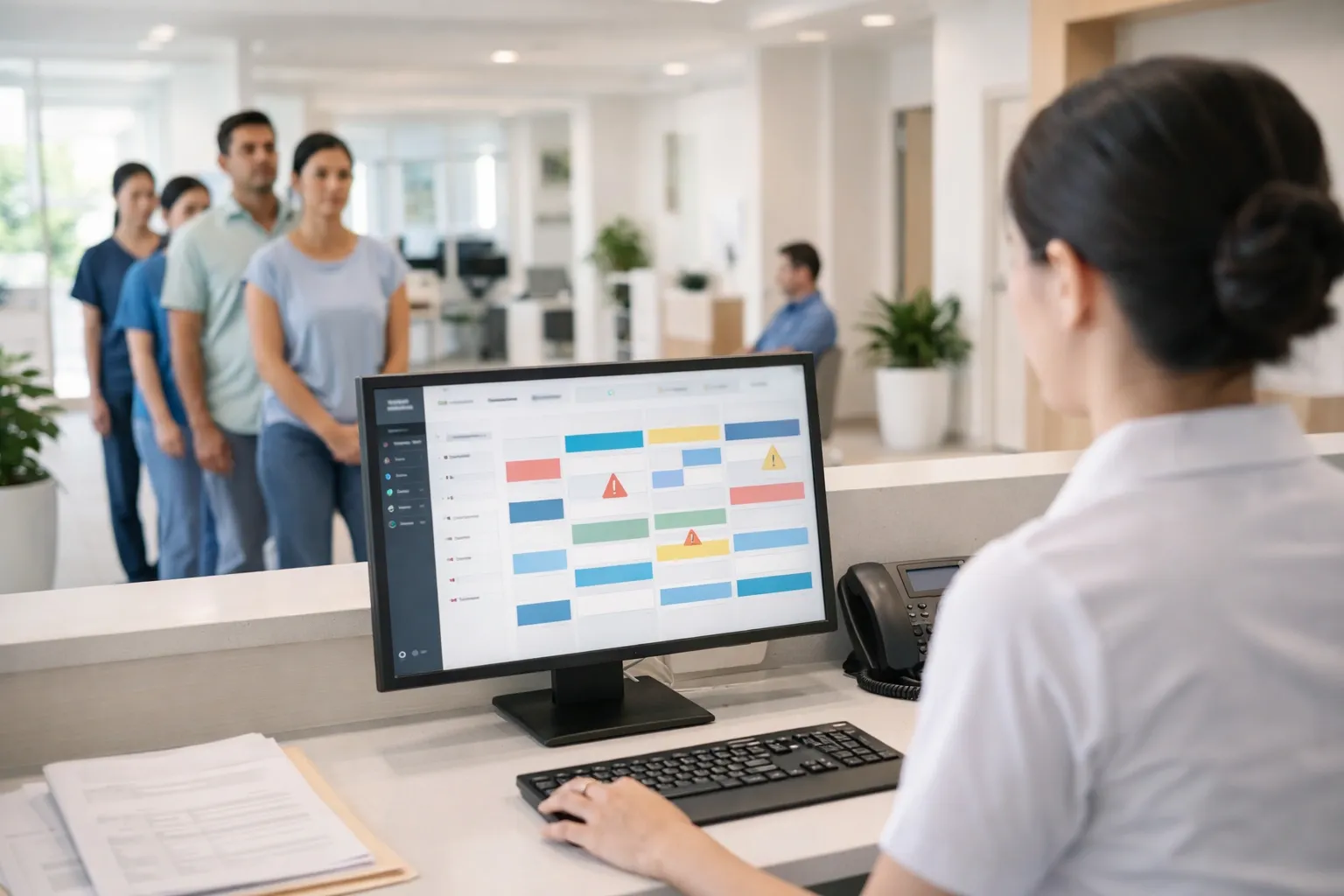
Practical criterion: does the system show no-show rates by time block and provider and allow action without manual exports?
Electronic health record and clinical documentation
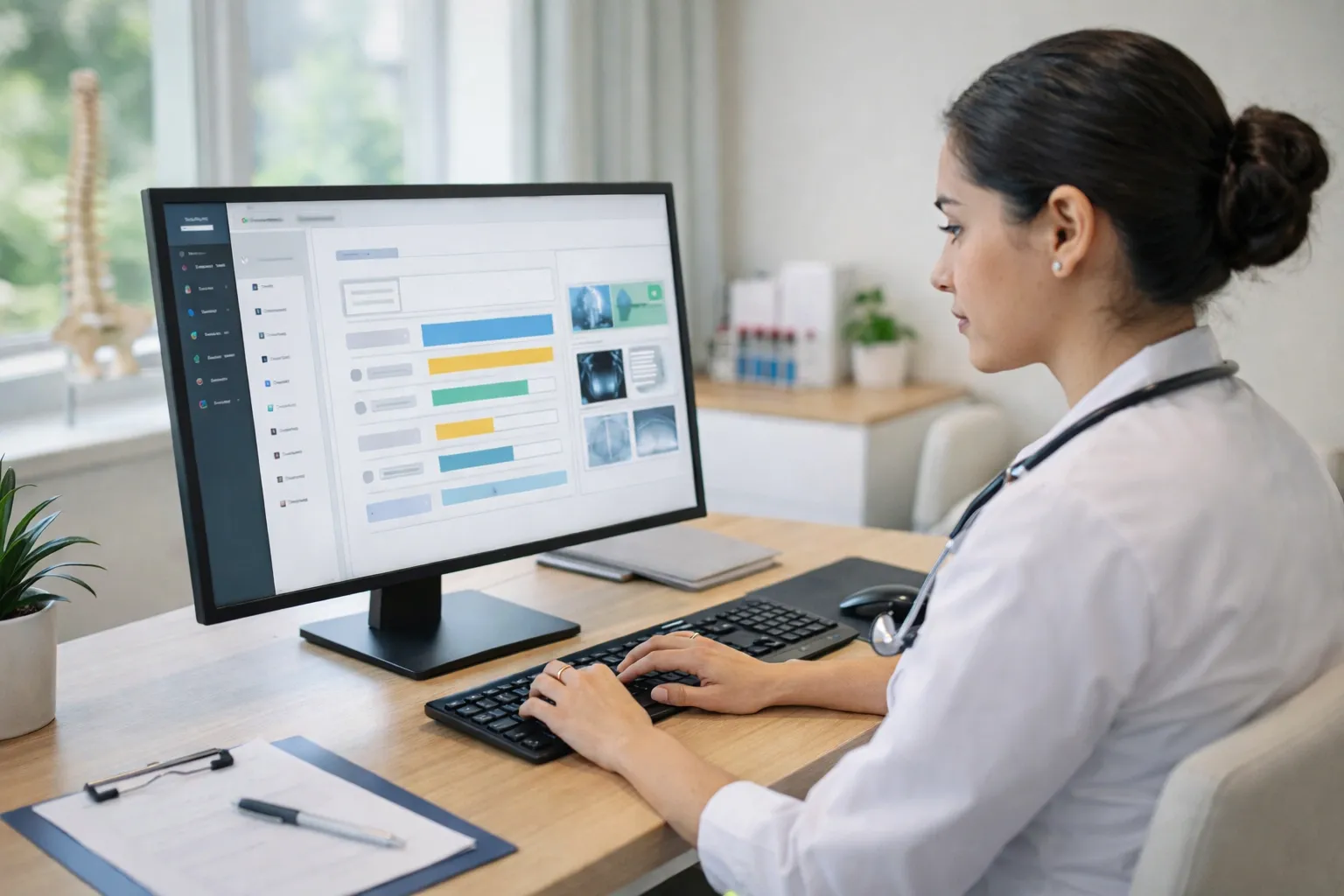
The record has to be fast to use and easy to audit. Slow systems get abandoned in practice.
Evaluate:
- Specialty-based intake templates and customizable forms
- Structured clinical notes
- Organized uploads for tests and attachments
- Clinical documents generated from templates
- Searchable history by events and diagnoses
- Role-based access and permissions
Practical criterion: can the physician document smoothly without becoming a typist, and later find a key detail in seconds?
Financial control and provider payouts
Many clinics pick software that solves scheduling and records but leaves financial management weak. Then leadership goes back to spreadsheets and loses control.
Must-haves:
- Accounts payable and receivable
- Recurring charges and installment plans
- Reconciliation and cash close
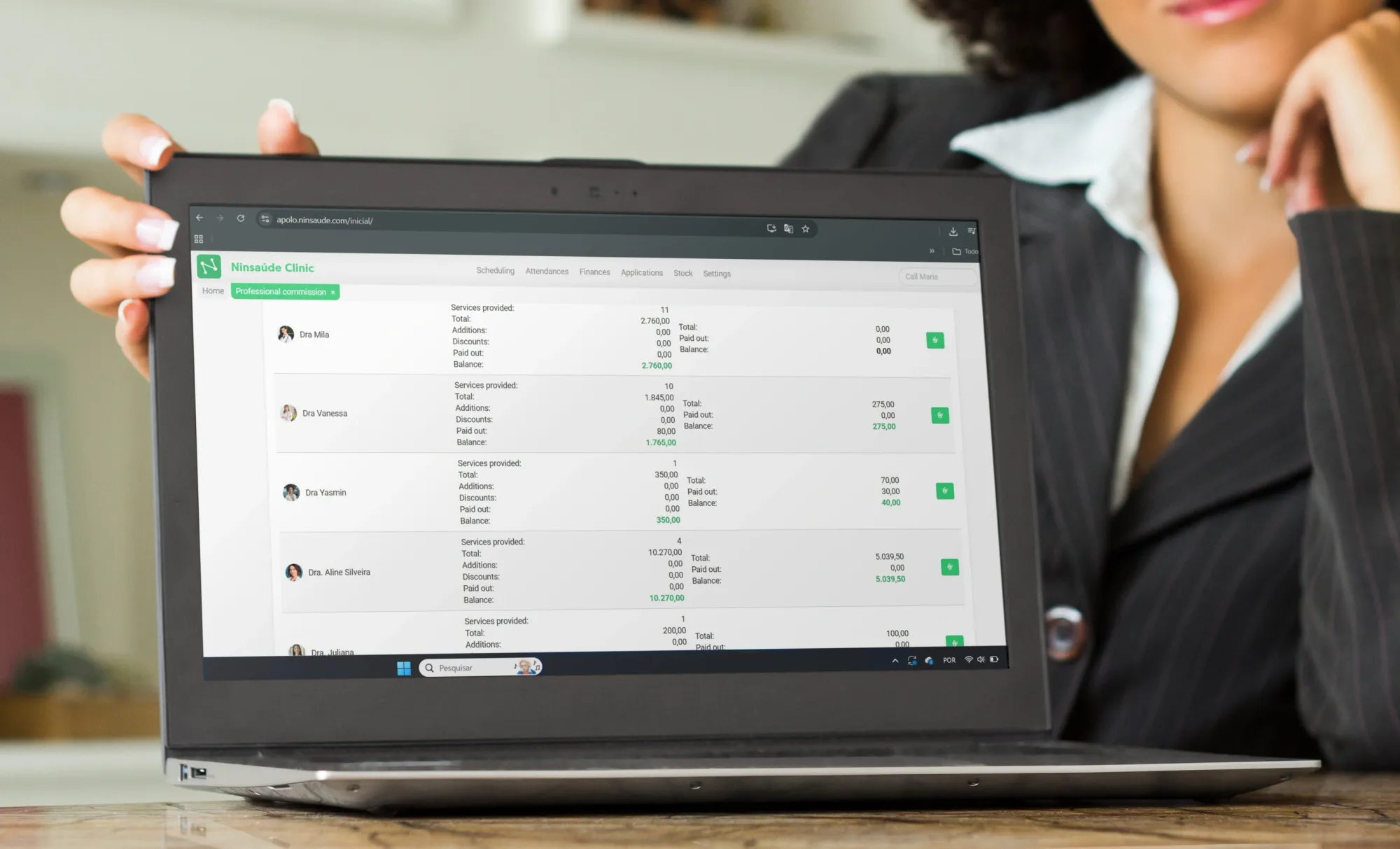
- Production reports by service and period
- Configurable provider payout rules
- Actual and forecast cash flow
- Views by location, specialty, and provider
Practical criterion: can you quickly identify which services deliver margin and which time slots generate the most revenue?
Reporting and management metrics
Good software does not just store data. It produces insight for decisions.
Prioritize:
- Dashboards for operational and financial indicators
- Filters by location, provider, and service
- Simple export to Excel and BI tools when needed
- Trends over time, not only current-month snapshots
Practical criterion: can leadership close the month with clarity and explain results to partners without building manual reports?

Integrations and API
Clinics rarely operate in isolation. They connect to labs, imaging, accounting, payments, BI, and other tools.
Look for:
- Ready integrations common in your context
- An open API to connect existing systems
- Options to integrate portals, websites, and automations
- Integration logs for audit and troubleshooting
Practical criterion: when something breaks, can the vendor trace the issue and show what happened, or does the clinic end up guessing?
Security, permissions, and audit trails
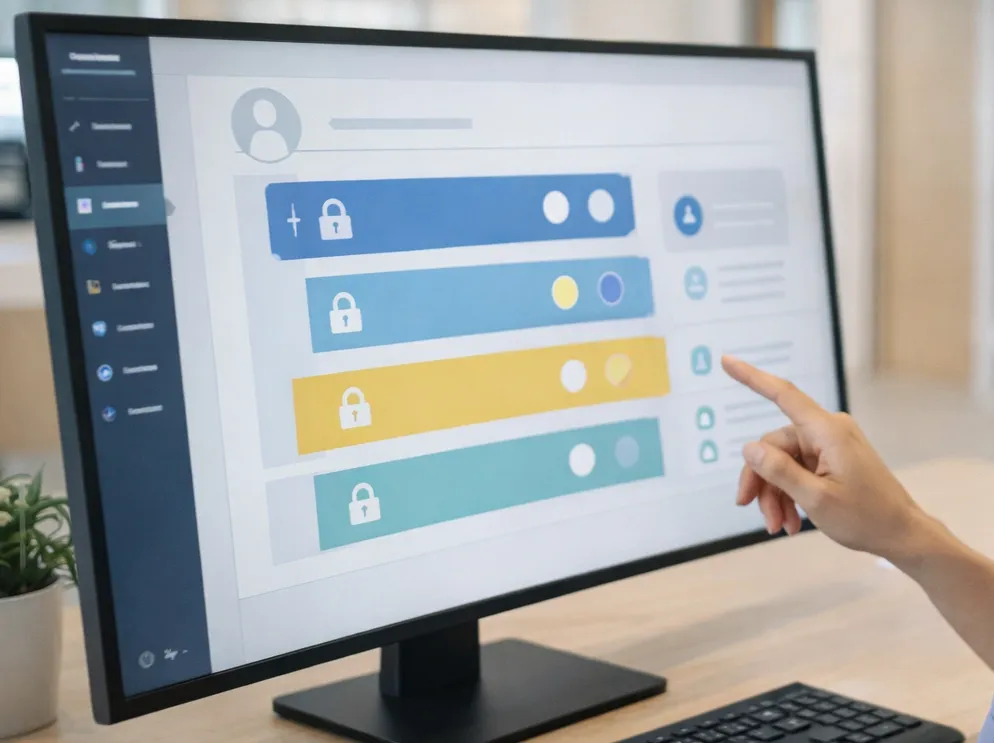
If the software is not secure, it becomes a reputational and operational risk. Security is more than encryption. It is day-to-day control.
Minimum checklist:
- Role-based access by function and location
- Audit trails and access logs
- Backups and tested recovery
- Encryption in transit and at rest when applicable
- Device and session management
- Clear policies on storage, retention, and data export
Practical criterion: can the vendor clearly explain how data is protected and how the clinic can manage access without complexity?
Implementation, support, and adoption
Most clinics do not switch software due to lack of budget. They switch because adoption fails. Great software with poor implementation becomes an expensive problem.
Evaluate:
- A phased implementation plan
- Role-based training including the front desk
- Help materials and knowledge base
- Fast support channels with clear SLAs
- Hands-on follow-up during the first weeks with adoption goals
Practical criterion: does the vendor have a proven implementation method or simply provide access and leave you on your own?
How to compare clinic software in El Salvador without being fooled by demos
Demos usually show the best possible scenario. To decide safely, replace generic questions with practical tests.
Use real scenarios
Create a list of 10 daily situations and ask the vendor to run them live:
- Adding an appointment to a full schedule
- Rescheduling after a no-show
- A return visit with different timing rules
- A visit with attachments and an exam order
- An installment payment
- A payout rule by procedure
- A report by location and time period
If a vendor cannot execute simple workflows smoothly, the pain will show up later.
Involve the team
One manager should not decide alone. Physicians and front desk staff must test it. Daily users spot friction that leadership may miss.
Ask for support proof
Ask to see how support works in practice. How are requests handled, what is the response time, how are escalations done, and what training is included?
Where Ninsaúde Clinic fits as a practical benchmark
When comparing options, it helps to use a clear reference for what tends to work in real operations. Ninsaúde Clinic is an example of effective clinic management software because it combines pillars that directly impact daily routines: multi-provider scheduling, front desk organization, a productive electronic health record, financial modules with reporting, and integration options through an API.
The smartest approach is to use it as a benchmark. Compare reporting, permissions, scheduling flow, payouts, and support using the same bar of expectations.
The best software for clinics in El Salvador is the one that fits your real workflow, reduces friction at the front desk, improves physician productivity, delivers financial control, and supports strong security and audit practices.
When the choice is guided by a checklist, real scenarios, and ROI metrics, the system stops being an expense and becomes growth infrastructure. And using references like Ninsaúde Clinic as a benchmark helps raise the bar and avoid decisions based only on promises.
Enjoyed these insights?
Keep following our blog for more content on clinic management, medical marketing, and healthcare innovation.
Are you a healthcare professional who hasn’t tried Ninsaúde Clinic yet? Discover how the platform can streamline processes and elevate the quality of patient care.
