

The absence of patients at scheduled appointments is one of the major challenges for clinics and medical practices. In addition to affecting revenue, the well-known “no-show” creates idle time for the team, disrupts the schedule, and directly impacts the experience of those on the waiting list. In many cases, the problem is not the patient’s lack of willingness, but rather their busy routine and the absence of structured reminders from the clinic.
In this context, automatic messages to remind patients of appointments emerge as a strategic management and relationship tool. When well configured, they reduce no-shows, organize the care flow, and offer a more professional and welcoming experience. In this article, we will address automatic messages to remind patients about appointments.
Why invest in automatic reminder messages
Before thinking about the text of the message, it is important to understand the strategic role of automatic reminders within clinic management.
From a financial perspective, each missed appointment represents a time slot that could have been used by another patient and has a direct impact on revenue. In clinics with a high volume of appointments, a monthly no-show rate of 10% to 20% can mean a significant loss.
On the operational side, automatic reminders help to:
- Reduce the manual work at the front desk;
- Provide better predictability for the schedule;
- Organize waiting lists, last-minute slots, and rescheduling;
- Standardize communication with patients.
For the patient, receiving a clear, friendly, and personalized message conveys care, reinforces trust in the team, and makes it easier to organize their routine.
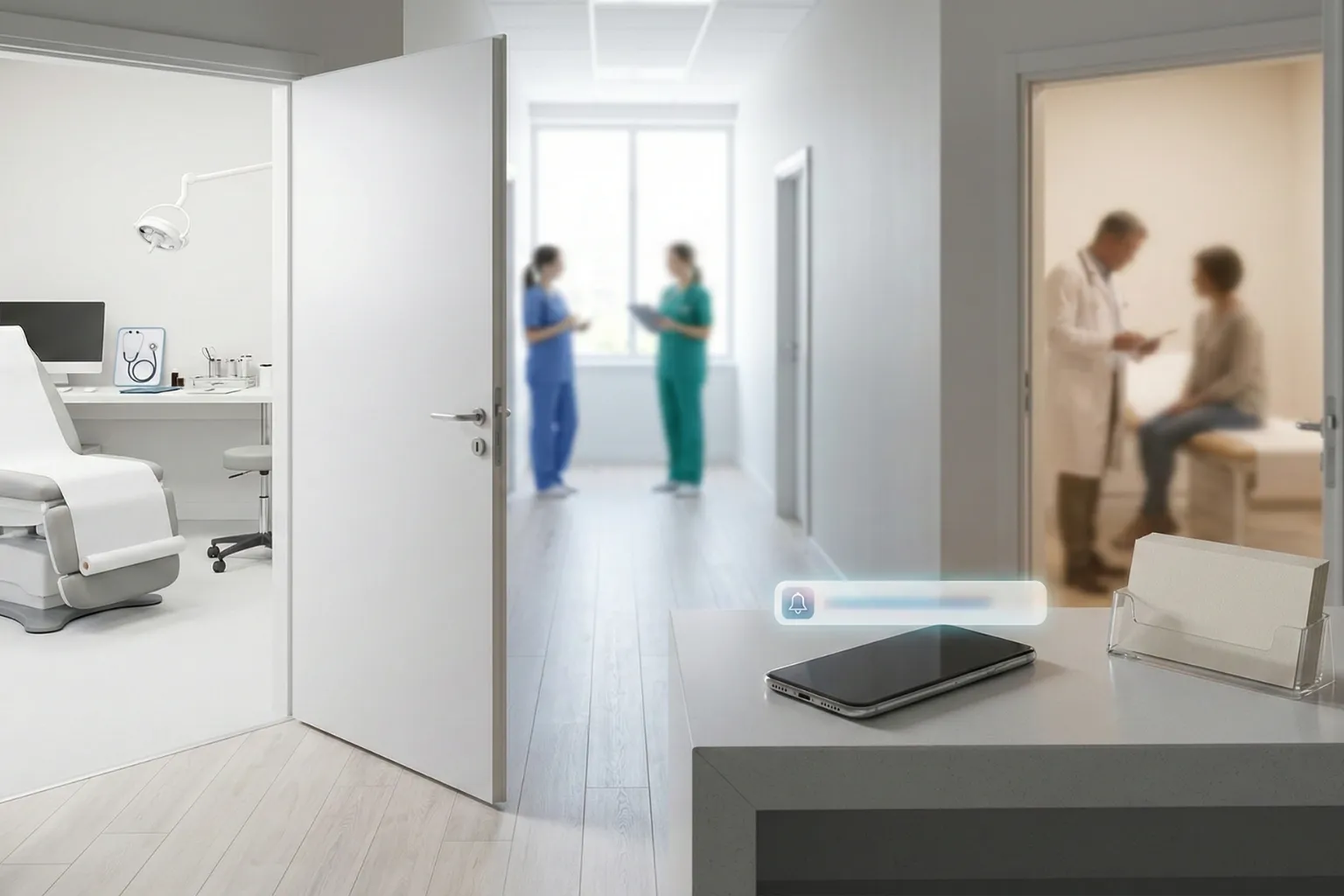
Main channels for appointment reminders
There is no single ideal channel for all audiences. The most important thing is to combine practicality, cost, and alignment with the profile of your patients.
WhatsApp is one of the most efficient channels for appointment reminders, especially in countries where its use is widespread. Its advantages include:
- High message open rates;
- Fast, two-way communication;
- Ability to include links (check-in, pre-registration, payments, etc.);
- A sense of closeness and convenience.
To avoid excess and disorganization, it is essential to use official accounts, obtain the patient’s consent, and integrate WhatsApp with the clinic’s appointment schedule.
SMS
SMS is useful for simple and direct reminders, especially when the patient does not regularly use messaging apps or in regions with limited internet access.
Best practices for SMS:
- Short and objective text;
- Highlight date, time, and professional;
- Use abbreviations only when they do not affect understanding;
- Include a phone number or short link for rescheduling.
Email works very well for more complete reminders or for appointments that require advance instructions, such as exams, procedures, and surgeries.
It is especially useful for:
- Sending pre-appointment instructions;
- Attaching documents and consent forms;
- Reinforcing clinic policies.
A good strategy is to combine email for more detailed guidance with WhatsApp or SMS for a brief reminder closer to the appointment date.
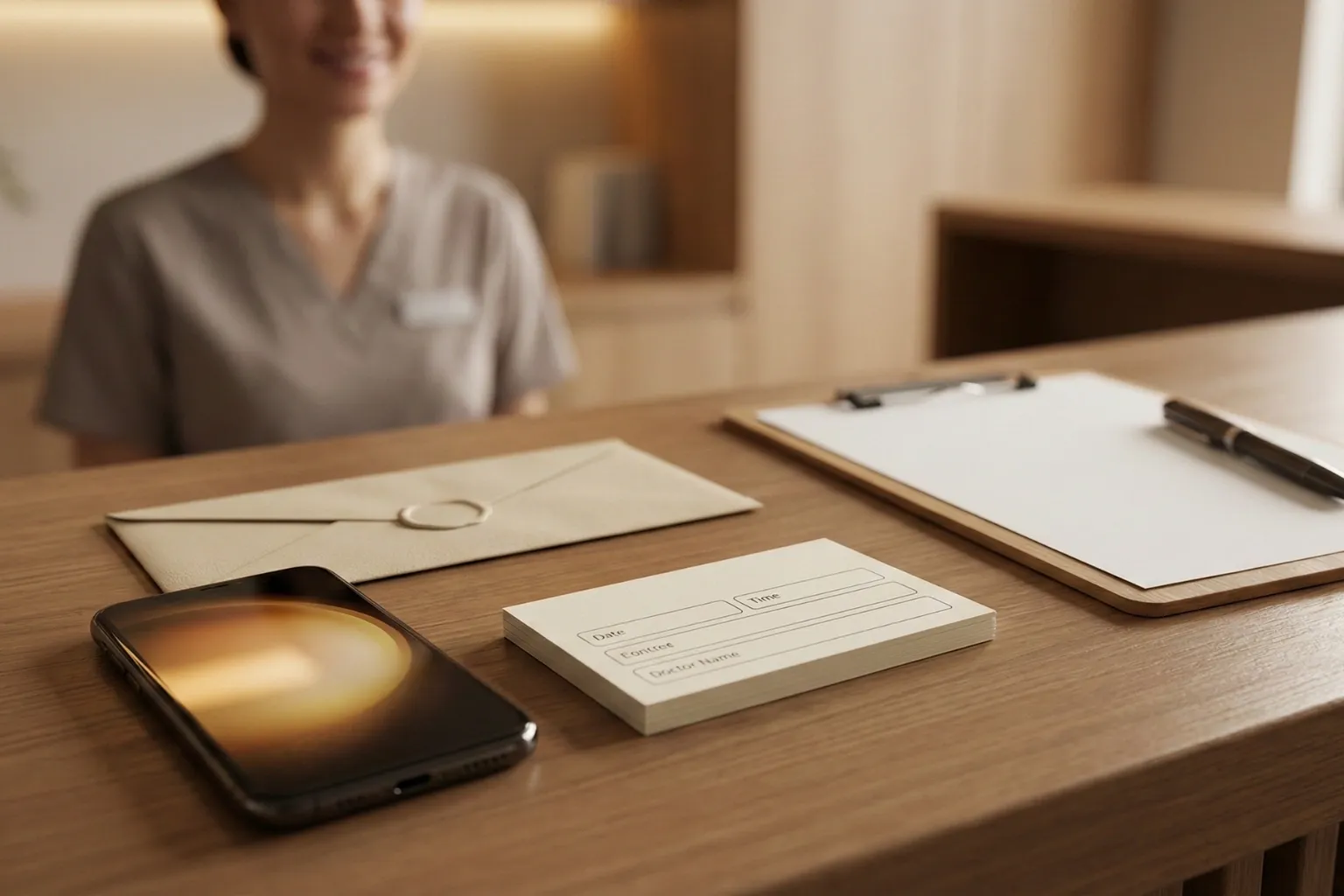
What a good automatic message should include
Regardless of the channel, some elements are essential for the reminder to fulfill its purpose. Among the main items are:
- Clinic identification: name and standard signature;
- Patient’s name: personalization increases the feeling of care;
- Date, time, and professional: clarity avoids doubts and rework;
- Address or telehealth link;
- Expected action: confirm, reschedule, or cancel;
- Basic instructions: fasting, documents, arrival time in advance, if necessary;
- Cancellation policy: explained in a clear and objective way.
It is essential that reminders respect patient privacy and local data protection laws. Avoid mentioning diagnoses or sensitive details in the message; the focus should be on the appointment and the logistics of the visit.
Before we move on, one important note: if you manage a healthcare clinic and need better scheduling organization, a secure electronic health record, and centralized financial processes, Ninsaúde Clinic can streamline your daily operations. Get in touch to learn more.

Practical examples of automatic messages
Having templates ready makes it easier to standardize and train the team. Below are some examples that can be adapted to your clinic’s reality.
1. Standard reminder for in-person appointments (WhatsApp or SMS)
"Hello, {{patient_name}}! This is {{clinic_name}}. This is a reminder of your appointment with {{professional}} on {{date}} at {{time}}. Address: {{short_address}}. Reply 1 to CONFIRM, 2 to RESCHEDULE, or contact us at {{contact_phone}}."
2. Reminder for telehealth appointments
"Hello, {{patient_name}}! Your online consultation with {{professional}} is scheduled for {{date}} at {{time}}. At the scheduled time, please access: {{consultation_link}}. We recommend connecting 10 minutes early. If you have any questions, please contact our team at {{contact_phone}}."
3. Reminder with pre-exam instructions
"Hello, {{patient_name}}! You have an exam scheduled at {{clinic_name}} for {{date}} at {{time}}. Please remember: {{short_instructions}}. Arrive 15 minutes early and bring a photo ID and your insurance card (if applicable). To reschedule, reply to this message or call {{contact_phone}}."
These templates can be adjusted by specialty, exam type, and audience profile, always maintaining a friendly and objective tone.
Setting up the reminder journey in the clinic’s routine
Automatic messages work best when they are part of a well-designed journey, not isolated actions. A simple and effective flow may include:
- Confirmation at the time of scheduling: sending an email or message with a summary of the appointment;
- Reminder a few days before (for example, 3 days): reinforcing the date and offering the possibility of rescheduling without penalty;
- Reminder the day before or on the same day: short message, reinforcing time, location, and instructions;
- Post-appointment message: thank-you note, document delivery, and satisfaction survey.
This flow can be adjusted according to specialty and appointment volume, but the important thing is that automation is aligned with the team’s capacity and the patient experience you want to deliver.

Common mistakes in reminder automation
Some missteps can harm the patient’s perception or produce the opposite of the desired effect. Among the most common mistakes are:
- Too many messages: causes annoyance and increases the risk of being blocked;
- Inadequate sending times: messages too early or too late can irritate patients;
- No option to cancel or reschedule;
- Language that is too cold or impersonal;
- Incorrect or outdated information;
- Sending messages without consent: this can generate complaints and even legal issues, depending on local regulations.
Reviewing templates regularly, monitoring patient feedback, and listening to the front-desk team helps adjust tone and frequency quickly.
The role of the practice management system in reminder automation
Although it is possible to send reminders manually or with generic tools, the real benefit comes when automation is integrated with the clinic’s schedule.
With specialized practice management software, it is possible to:
- Define sending rules by appointment type or professional;
- Integrate different channels (WhatsApp, SMS, email) into a single platform;
- Record confirmations and cancellations directly in the schedule;
- Track attendance indicators and adjust the strategy.
Solutions like Ninsaúde Clinic, for example, offer an intelligent schedule with automatic appointment confirmation via WhatsApp, SMS, or email, check-in using QR Code, and integration with CRM and medical marketing. This way, the team reduces repetitive tasks, keeps communication standardized, and centralizes the patient interaction history.
Indicators to track reminder effectiveness
Automatic messages should be treated as part of a continuous improvement strategy. Therefore, tracking certain indicators is essential.
Among the main metrics, it is worth monitoring:
- Attendance rate;
- Advance cancellation rate;
- No-show rate;
- Average rescheduling time;
- Engagement by channel (responses via WhatsApp, SMS, email).
With these data, management can test different texts, sending times, and channel combinations, identifying what works best for each patient profile.
From message to attendance: designing reminders that really work
Automatic messages to remind patients of appointments go far beyond generic mass notifications. When well planned, they become part of the clinic’s experience, reinforcing organization, professionalism, and patient care.
The key for managers is to view reminders as a strategic scheduling tool. By combining well-written texts, appropriate channels, respect for privacy, and integration with a good management system, it is possible to reduce no-shows, optimize resource use, and increase patient satisfaction.
Tools like Ninsaúde Clinic, with intelligent scheduling, automatic confirmations, and CRM features, show in practice that technology and humanization can go hand in hand. By structuring a coherent reminder journey, your clinic takes an important step toward a more efficient, predictable, and patient-centered operation.

Enjoyed these insights?
Keep following our blog for more content on clinic management, medical marketing, and healthcare innovation.
Are you a healthcare professional who hasn’t tried Ninsaúde Clinic yet? Discover how the platform can streamline processes and elevate the quality of patient care.
